

Trip sheet
ORD-4418
Booked
- Customer
- Acme Foods
- Lane
- Chicago, IL to Dallas, TX
- Freight
- 18 pallets, 42,000 lb, dry van
- Carrier
- Not tendered
- Last event
- Order booked, Tue 06:10
- Invoice
- Not raised

Orders, dispatch, tracking, and billing for forwarders, 3PLs, carriers, and shippers.
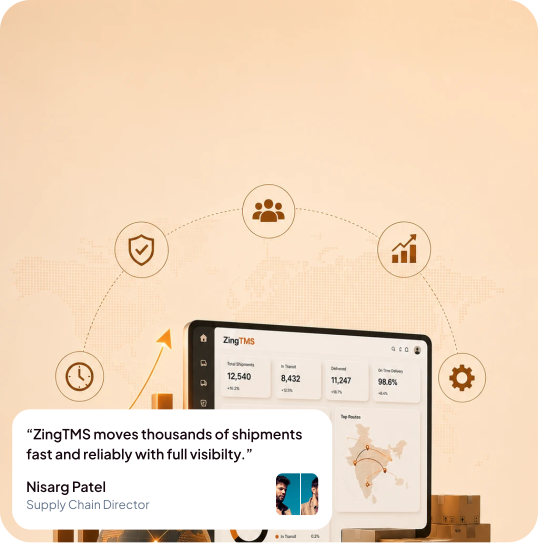
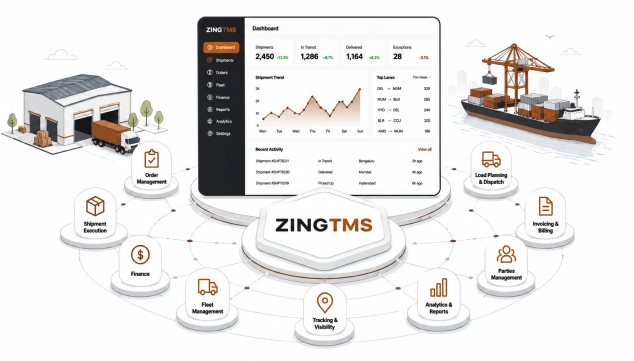
Open a domain to see the workflows inside it. The full list lives on the features page.
Orders, planning, dispatch, and proof of delivery.
ExploreCarrier choice, rate cards, and quotes.
ExploreLive status, ETAs, and the loads that need a call.
ExploreCustomer invoices and carrier bills on the same shipment.
ExploreDock, yard, and stock tied to the load.
ExploreBOLs, PODs, and the files an auditor asks for.
ExploreAPI, EDI, and the systems you already run.
ExploreYour logo, your domain, and your customer portal.
Explore
Own the product. Control the data. Run your logistics, your way
Logo, colors, portal URL, and customer-facing documents carry your identity.
Enable only the modules your operation needs. Rename stages to match how your team works.
Add lanes, users, carriers, and integrations without replacing the core platform.
Webhooks, EDI, and custom flows connect ZingTMS to your existing stack.
ORD-4418
Acme asked for a dry van. The weight, the ready time, and the sell rate are on the order. Nobody has tendered it yet.
Trip sheet
ORD-4418
Booked
Run the freight yourself, or ship the software to your own clients. Same product, your brand.
Ship a TMS product to North American and global clients without building every module from scratch.
Run Chicago to Dallas FTL, LA to Long Beach drayage, or transatlantic air on software that carries your brand.
Dispatch, fleet, DOT compliance, billing, and shipper visibility in one system you control.
Private deployment with multi-facility visibility, freight audit, and portal access across your network.
Dispatch, ETAs, documents, and invoice checks use the load you already booked. Zing+ is optional. The TMS works without it.
AI recommends carrier assignments and stop sequencing using lane history, capacity, and live transit data on corridors like Chicago to Dallas and Atlanta to Miami.
Models delay risk before appointments slip. Surfaces weather, congestion, and dwell-time patterns so ops can act early.
Extract PO numbers, weights, NMFC classes, and addresses from uploaded BOLs, PODs, and commercial invoices.
Compare carrier invoices to contracted rate cards, flag variances, and summarize discrepancies in plain language for AP teams.
Parse email, SMS, and portal messages into structured lane, commodity, weight, and appointment fields, ready to convert to orders.
Branded AI chat for shippers and carriers on your portal, plus internal ops lookup wired to ZingTMS data.
Every part of the freight lifecycle, from order capture to margin analysis, on one deployable white-label platform.
Touch-screen signatures stored with order metadata, legible, legal, archived.
Doorstep snap auto-stamped with GPS, timestamp and shipment ID, tamper-evident.
Multi-factor proof, OTP, customer ID or barcode, for high-value or regulated drops.
POD flows back to your ERP, OMS and accounting the instant it's captured, not at EOD.
Structured drop-down reasons for non-delivery, auto-trigger rescheduling, refund or escalation.
One-tap rating and comment captured at the doorstep, tied to driver, route and SKU.
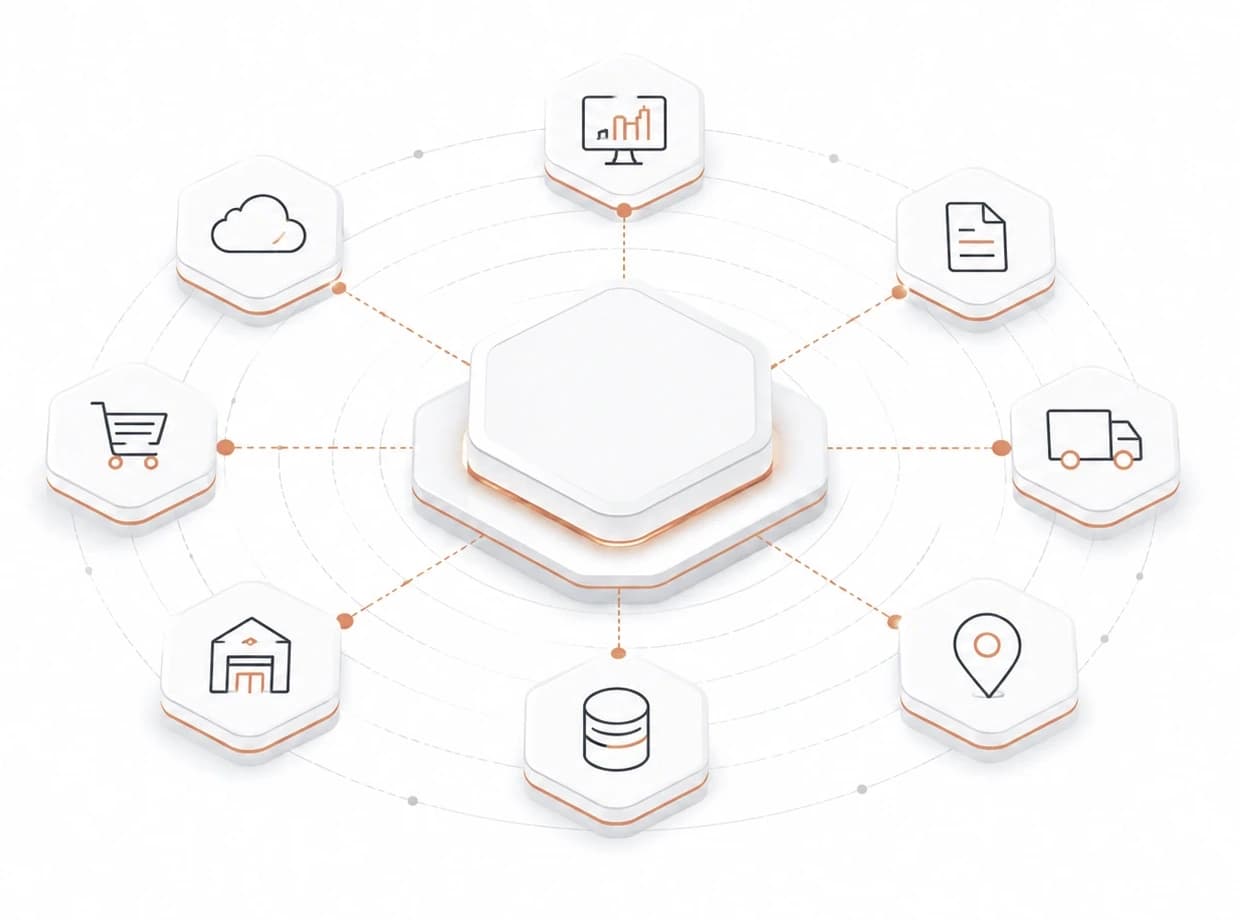
APIs, EDI, webhooks, and prebuilt connectors keep ZingTMS in sync with ERP, commerce, and carrier networks.

A deployment is a working lane, not a slide deck. This is the usual order of work.
Week 1
Your logo, domain, and the modules this deployment will use.
Week 2
Customers, carriers, and the rate cards you already send quotes from.
Week 3
One live lane, from the order to the invoice, with your team on the call.
Week 4
Portal access for the customers on that lane, so they can see status without calling.
Straight answers. If your setup is different, say so on the demo form.
Bring one customer, one carrier, and one rate card. We will walk the order through to the invoice.